
Home » Alle berichten » Business » Designing an effective schedule matrix that brings clarity to your workload
Designing an effective schedule matrix that brings clarity to your workload
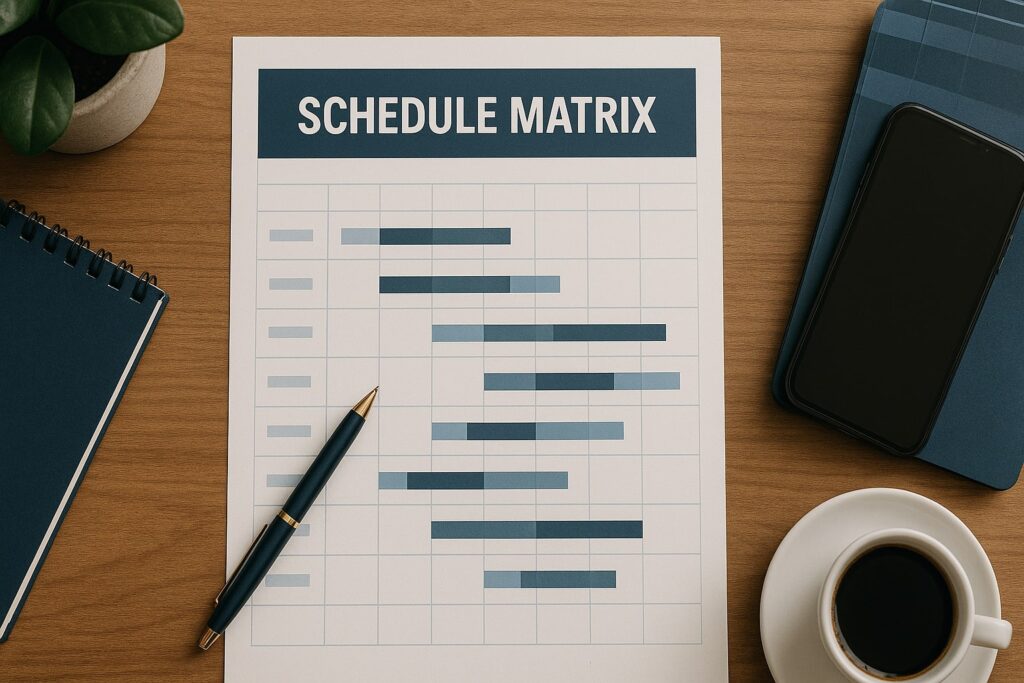
A well-structured schedule matrix helps you visualize responsibilities, allocate time effectively, and manage complex workloads with far greater clarity. Many people rely on scattered calendars, task lists, and reminders, which often leads to overlapping commitments and inefficient planning. A schedule matrix simplifies this by placing tasks, roles, or team members into a single, organized grid. In this guide, you’ll learn how to design a schedule matrix that improves planning, increases accountability, and supports better decision-making every day.
In short:
Understand what a schedule matrix is and why it improves planning.
Explore the most useful matrix layouts for different kinds of work.
Learn how to create a schedule matrix step by step.
Discover advanced planning methods used by teams like TheStrategyWire.com.
Avoid common mistakes that weaken scheduling systems.
Why using a schedule matrix improves time management
A schedule matrix forces clarity by showing your commitments in structure rather than scattered notes. Unlike a traditional schedule, which often lists tasks linearly, a matrix displays work across multiple dimensions — time, priority, person, or project. This helps you see whether you’re overloaded, under-utilizing team members, or aligning your efforts with your highest priorities. When designed well, a schedule matrix reveals hidden patterns that improve efficiency and reduce stress.
Understanding what a schedule matrix actually is
A schedule matrix is a grid that maps tasks, time blocks, projects, team members, or responsibilities across rows and columns. It is flexible enough to work for personal planning, team coordination, event management, or capacity planning. Instead of relying on a single timeline, you create a multidimensional view of your workload. This blended perspective uncovers where responsibilities overlap, where resources are limited, and where operational bottlenecks appear.
How a schedule matrix supports personal productivity
A personal schedule matrix helps you break large commitments into manageable pieces. Instead of assuming you’ll “find time later,” a matrix encourages placing tasks intentionally into structured blocks. For example, one axis might represent days of the week while the other represents categories such as administrative work, creative work, or meetings. Seeing your responsibilities grouped like this helps you understand whether your time distribution reflects your priorities.
Also interesting



Using a schedule matrix for team coordination
A schedule matrix is especially powerful for teams because it makes responsibilities transparent. When each column represents a team member and each row represents a time block or project, everyone can see availability and workload at a glance. This improves delegation, prevents overscheduling, and ensures deadlines remain realistic. Teams like those at TheStrategyWire.com use schedule matrices to balance workloads across projects and maintain predictable delivery timelines.
Step-by-step: creating a basic schedule matrix
To build a schedule matrix that actually supports your workflow, follow this structured method:
Step 1: Define the purpose of the matrix
Determine whether the matrix is for time management, resource allocation, shift planning, or project scheduling. The purpose shapes the design.
Step 2: Choose the right axes
Common matrix axes include:
Time vs. task category
Team member vs. responsibilities
Priority level vs. deadlines
Project phases vs. dates
Your axes must reflect the decisions you want the matrix to support.
Step 3: Start with a blank grid
Use a spreadsheet tool like Google Sheets, Excel, or Airtable. Create rows and columns according to your chosen axes.
Step 4: Fill in known commitments
Add tasks, time blocks, or names to the grid. Color coding often helps highlight priorities, deadlines, or categories.
Step 5: Review and rebalance the layout
A matrix is most useful after reviewing overlaps, gaps, and imbalances. Adjust blocks until your schedule feels realistic.
This process ensures your matrix becomes a functional planning tool instead of an overwhelming table of information.
Types of schedule matrix layouts worth using
Not all matrices serve the same purpose. Here are several layouts commonly used for different planning needs:
Time-based matrix
Rows represent days or hours, while columns represent categories like meetings, deep work, or admin tasks. It prevents overloading any one type of work.
Responsibility matrix
Useful for teams, this layout assigns tasks or roles across team members. It makes delegation clearer and reveals workload imbalances.
Project-phase matrix
This layout tracks deliverables across project stages, helping teams visualize progress and spot dependencies.
Availability matrix
Often used for scheduling shifts or coordinating meetings, this shows who is available at which times.
Each layout solves different planning challenges and can be adapted to various environments.
"Choose your matrix axes based on the decisions you want the matrix to support, not simply what looks convenient."
Advanced planning techniques using a schedule matrix
Once you understand the basics, you can expand your matrix with more advanced strategies:
Incorporate recurring cycles
Add weekly or monthly cycles that automatically repeat. This is helpful for cleaning routines, recurring reporting tasks, or regular client check-ins.
Add capacity indicators
Use percentages, workload ratings, or color-intensity scales to show how busy each team member is. This helps prevent burnout and identifies who can take on new tasks.
Integrate automation
With spreadsheet formulas or workflow tools, your matrix can highlight overdue tasks, flag overlapping schedules, or adjust time blocks automatically.
Link your matrix to dashboards
Teams often embed matrices into larger dashboards that track KPIs, deadlines, and workload trends. TheStrategyWire.com recommends this for visibility across departments.
These enhancements help your matrix evolve with your responsibilities instead of requiring constant manual updates.
How to use a schedule matrix for resource planning
Resource planning becomes easier when you combine skills, availability, and responsibilities into a single grid. For example, one axis could list your team members while the other lists required skills or certifications for upcoming jobs. This helps you assign tasks efficiently and avoids last-minute scheduling errors. When planning for complex projects, matrices also reveal resource shortages early enough to hire or train additional support.
Using a schedule matrix to manage shifting priorities
Priorities often change quickly, and a matrix is one of the best tools for adapting to them. When a new high-priority task appears, the matrix helps you see which blocks you can shift or which responsibilities can be reassigned. Instead of scrambling, you make deliberate changes that maintain stability. A visual matrix reduces stress by removing guesswork from priority adjustments.
Step-by-step: building a digital schedule matrix in Google Sheets
Google Sheets is one of the easiest tools for creating a digital schedule matrix. Here’s how to set it up:
Create a new sheet and label your rows and columns according to your chosen axes.
Freeze the top row and first column for easier navigation.
Add color coding to differentiate task categories, deadlines, or team members.
Use conditional formatting to highlight overdue tasks or availability conflicts.
Insert checkboxes to track completed tasks.
Create separate tabs for weekly, monthly, and long-term planning.
This digital approach keeps your matrix flexible and accessible across devices.
Also interesting



Common mistakes when designing a schedule matrix
Several mistakes undermine the effectiveness of schedule matrices:
Adding too much detail, making the grid overwhelming
Ignoring real-world constraints, such as unexpected delays
Using confusing colors or inconsistent labels
Failing to update the matrix regularly
Building a matrix without defining its purpose
Avoiding these mistakes ensures your matrix remains clear, practical, and supportive of your goals.
How a schedule matrix supports better long-term planning
The value of a schedule matrix grows over time. By consistently documenting your workload, you identify recurring patterns and areas for improvement. You may discover that certain months overwhelm your team or that specific tasks always take longer than expected. These insights help refine future plans and build more realistic timelines. Over time, the matrix becomes a powerful tool for forecasting rather than simply recording tasks.
Combining a schedule matrix with other planning tools
Your matrix can work alongside other systems such as calendars, project-management platforms, or productivity apps. For example, you may use the matrix to visualize high-level planning while using a calendar for reminders and appointments. Integrating the matrix with dashboards gives leadership clearer visibility into workloads and helps teams make informed decisions quickly.
A refined approach to mastering the schedule matrix
Mastering the schedule matrix means designing it with purpose, reviewing it regularly, and adapting it as your workload evolves. A well-built matrix gives you a framework for clarity in both the short and long term. Over time, you’ll notice smoother workflows, more predictable workloads, and fewer scheduling conflicts. The more consistently you use your matrix, the more valuable it becomes as a planning tool.

Ethan Clarke
Ethan Clarke is a business strategist and technology writer with a passion for helping entrepreneurs navigate a fast-moving digital world. With a background in software development and early-stage startups, he blends practical experience with clear, actionable insights. At TheStrategyWire.com, Ethan explores the intersection of entrepreneurship, AI, productivity, and modern business tools